
Flute app · Free
Flute Fingering Chart
See the keys to press for every note on the flute, hear how it should sound and practice with scales, a tuner and a metronome. Free on iPhone and Android.
4.5 on the App Store

Get the free app
Scan with your phone camera, or tap a store


The app
Everything in one app
Flute fingerings, sounds and practice tools
4.5 on the App Store
Get the free app
Scan with your phone camera, or tap a store
About the app
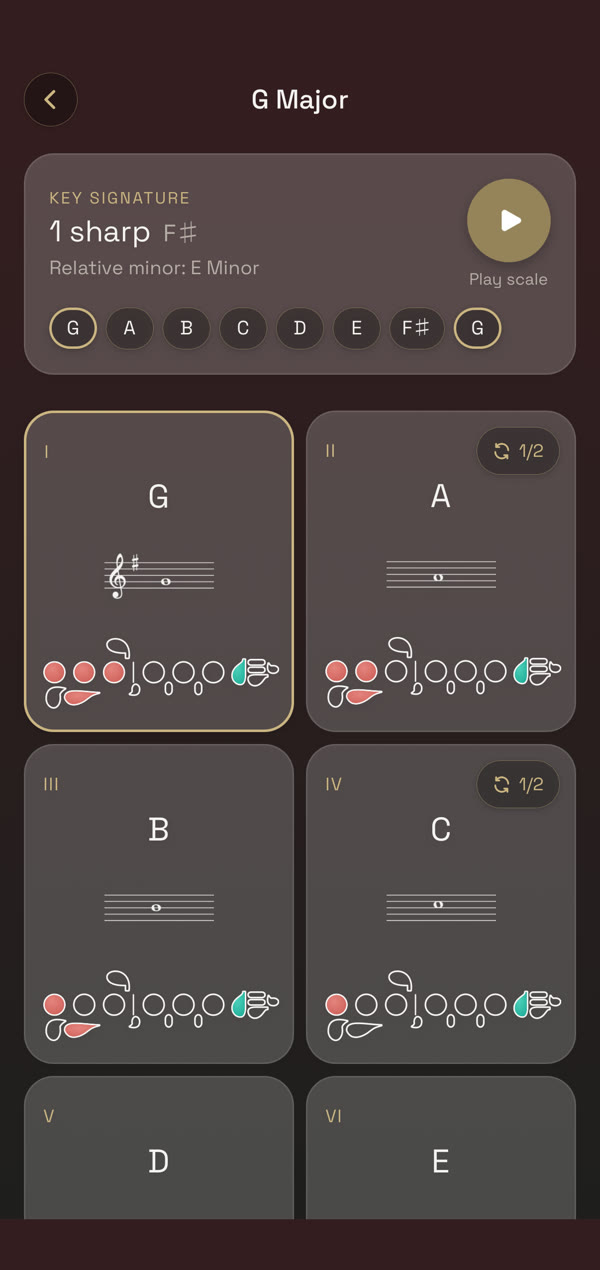
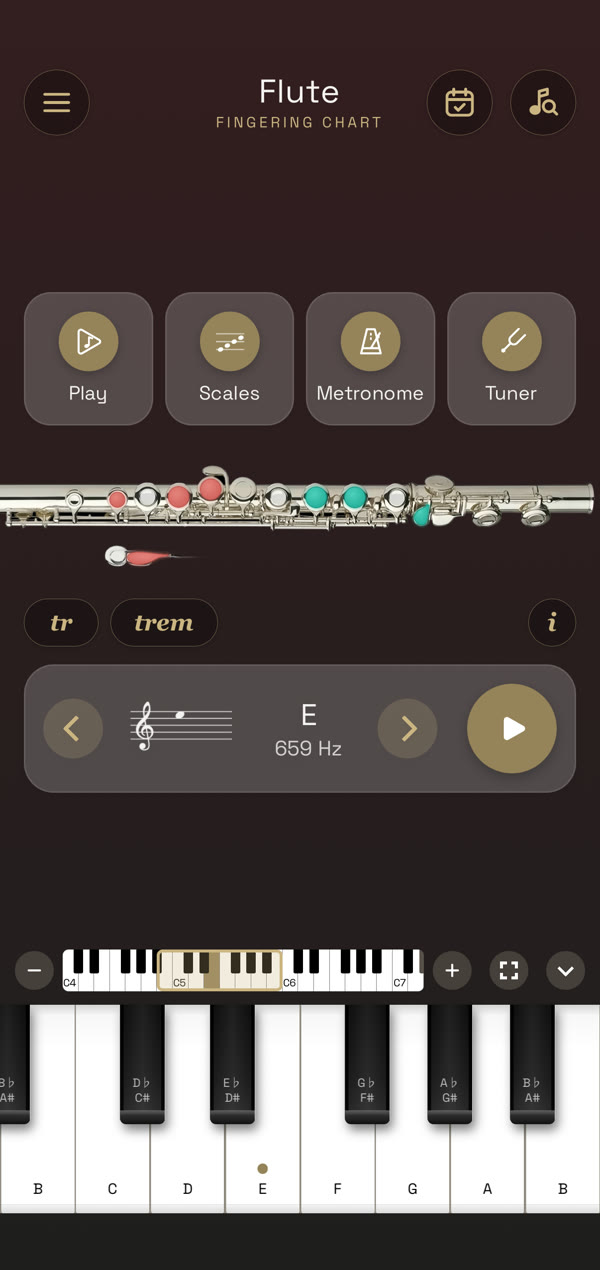
Pick a note on the piano keyboard or step through the range and the flute picture lights up the keys for it. Scales show the fingering for every note in the key, and the tuner and metronome keep your practice in tune and in time.
Flute fingering chart with sound
Every note from the low register to the top of the range, with the keys to press drawn on the flute and the note played back so you know the pitch you are aiming for. Trills and tremolos are marked where a fingering has them.
Flute Trill and Tremolo Fingerings
Turn on tr for a half-step or whole-step trill, or trem for a tremolo a minor or major third up, and the flute shows which keys move. Each trill is played back slowly so you can follow the fingers.
Scales with fingerings
Major and minor scales with the fingering for each note, so you can learn a key one note at a time and play it back up and down.
Flute tuner
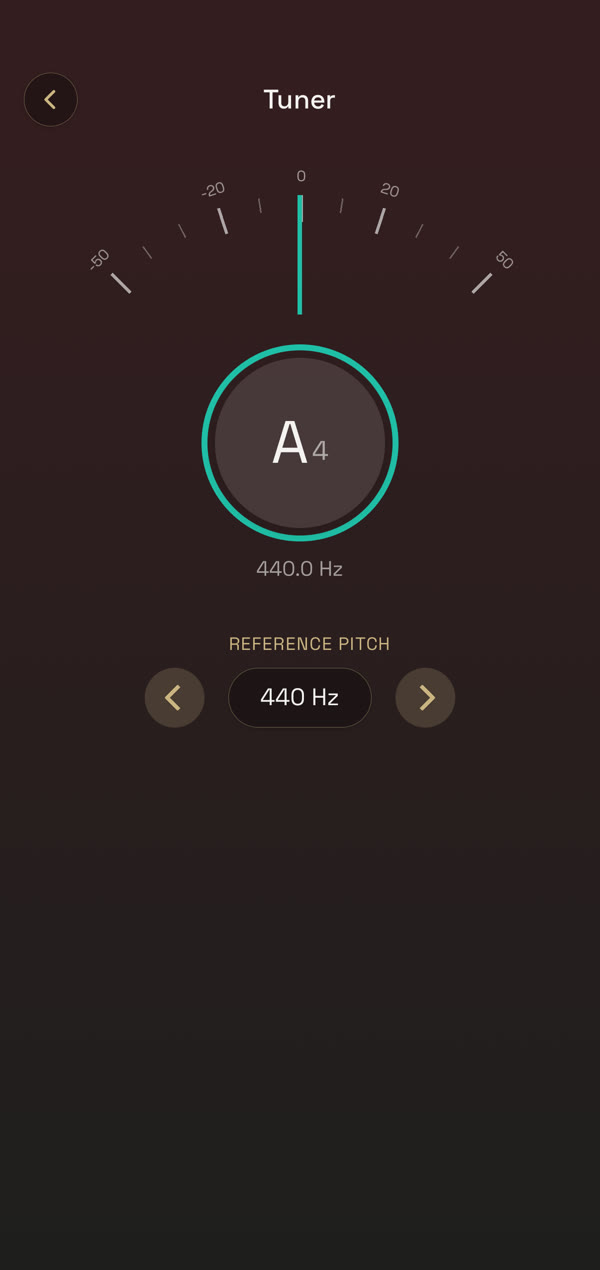
Play a note and see right away if it is sharp or flat, with an adjustable reference pitch.
Metronome and practice tracker
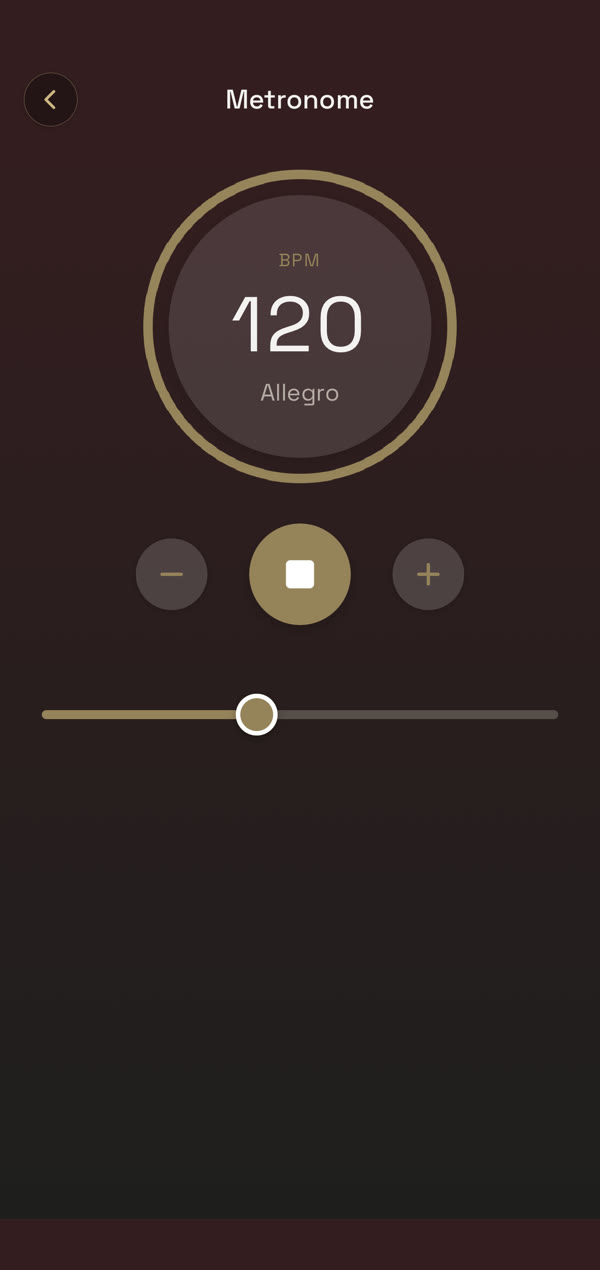
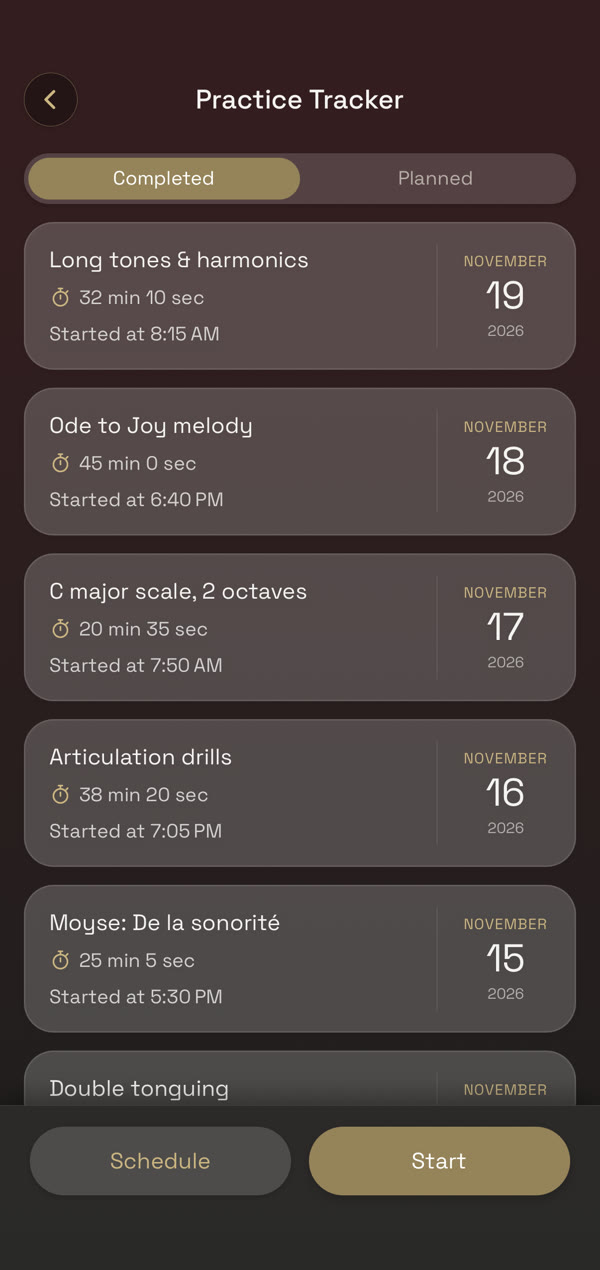
Keep steady time with the metronome, then log what you practiced and see your week at a glance.